The Supporta cane

Not every loss of balance ends in a fall.

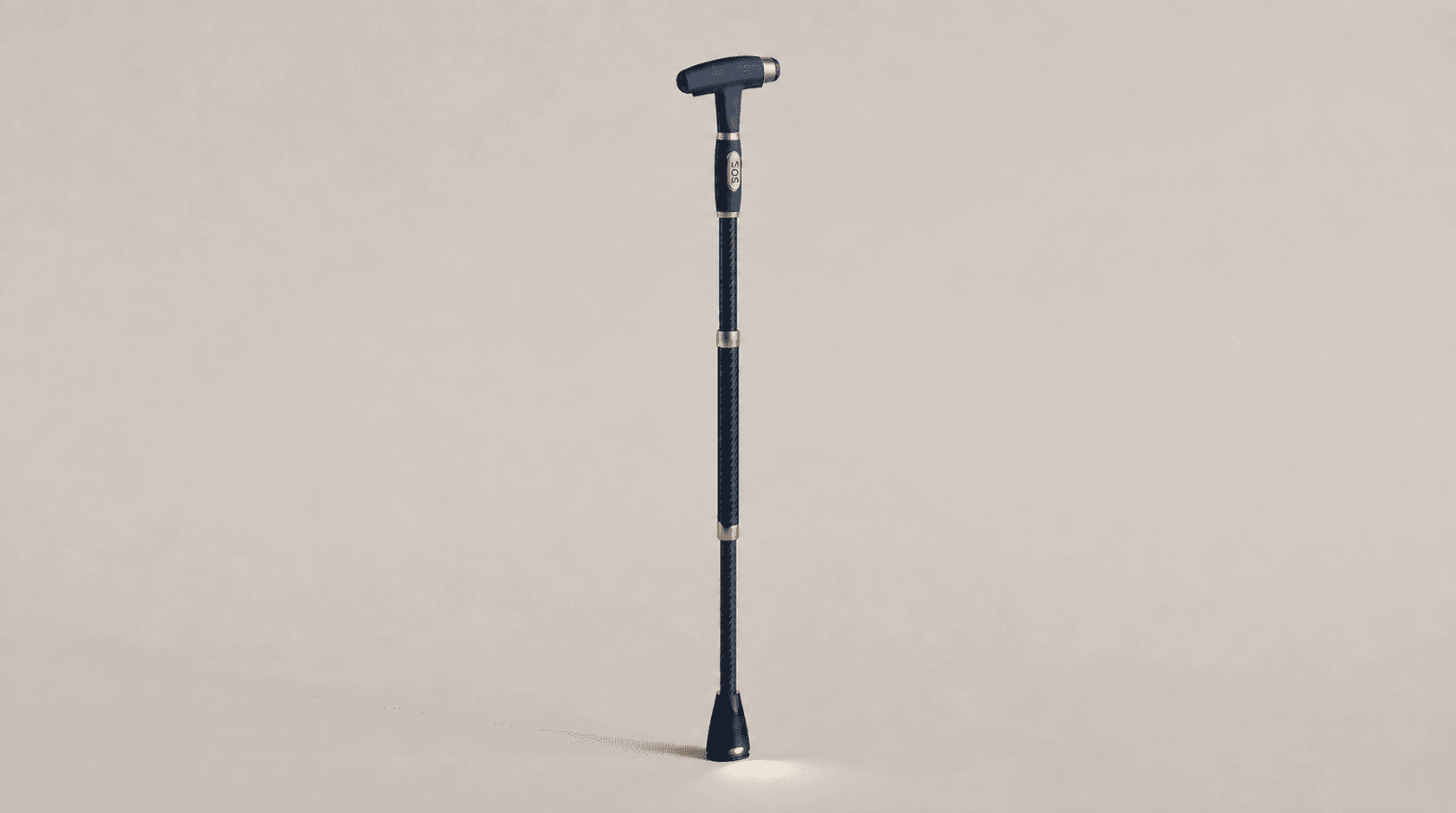
Supporta exterior product concept with a navy handle and gold accents, not a photograph of the working MVP.
PRODUCT CONCEPTNot the working MVP
Familiar support.
A new perspective on everyday stability.

We’re developing an AI-powered walking cane for older adults to record losses of balance automatically, so families can follow changes over time.

TodayWorking MVPLocal movement demonstration
NextAI refinementInstability tracking in development

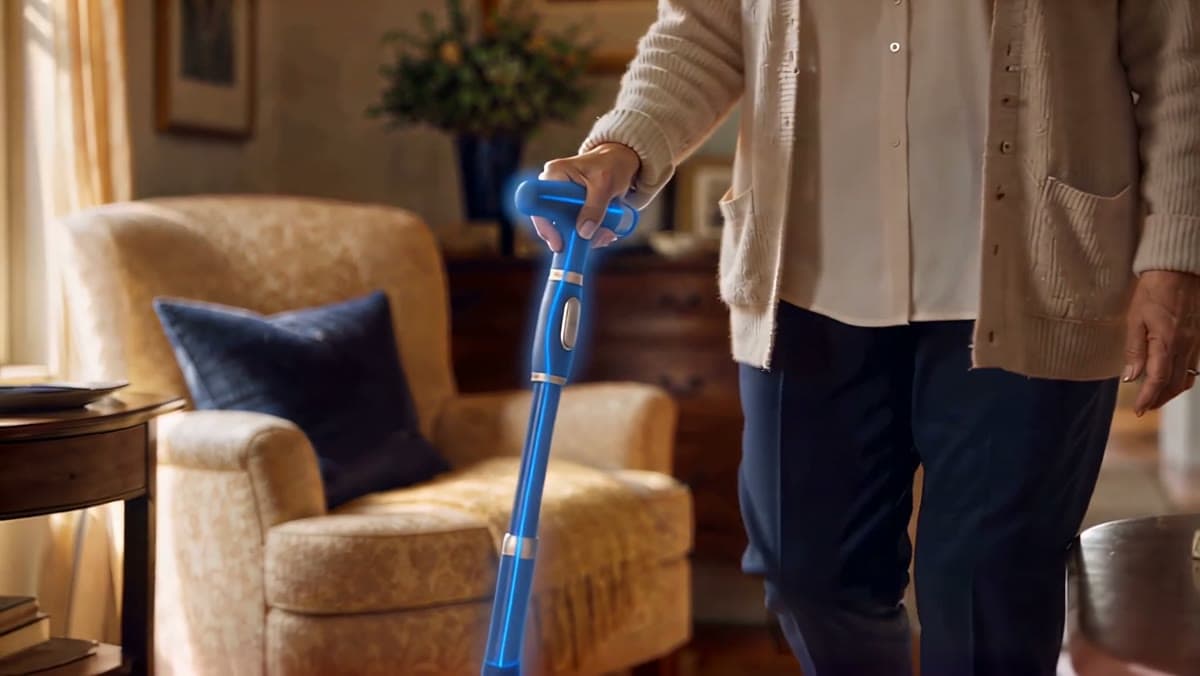
The Supporta film

Future concept · Not the working MVP
Transcript

What we’re building

A brief moment.
A clearer picture.

A person can lose balance, recover, and carry on. We’re developing Supporta to make those easily missed moments visible over time.

In the moment

Notice instability

Recognize a possible loss of balance, even when there is no fall.

Without manual reporting

Record the episode

Our goal: count each detected episode automatically, as one event.

Over days and weeks

Follow what changes

Help families and care teams see patterns alongside recorded cane-use time.

Illustrated concept · AI in development

Missing observations are not zero events.

From idea to working MVP

From an idea to a working prototype.

Our working prototype connects cane movement to a local display, shows when the cane is in use, and demonstrates on-screen alerts.

Demonstration capabilities, not validated detection accuracy.
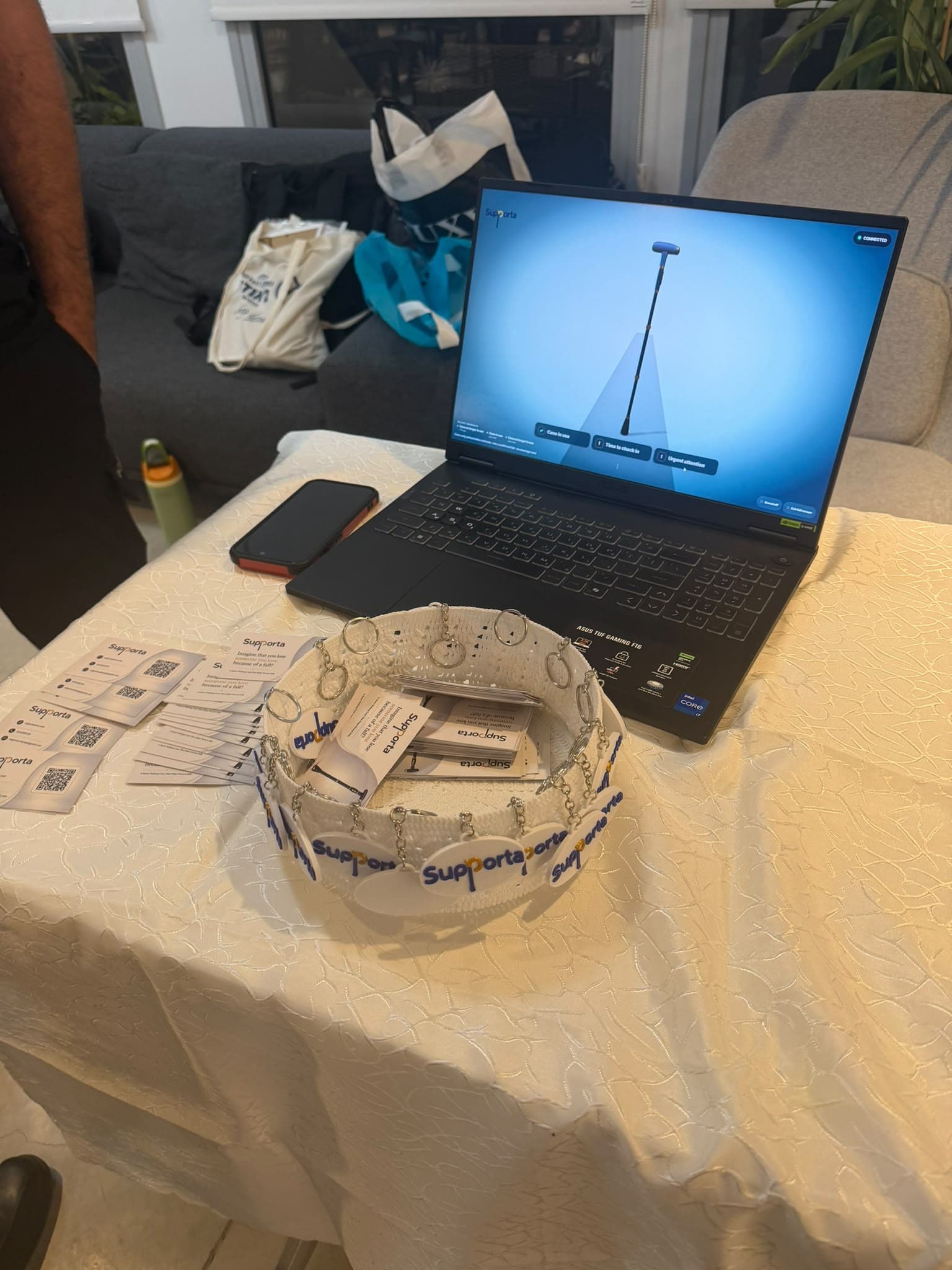
Supporta’s working prototype demonstration on a laptop, with a real-time cane display.
Live movement Cane-use status Prototype alerts
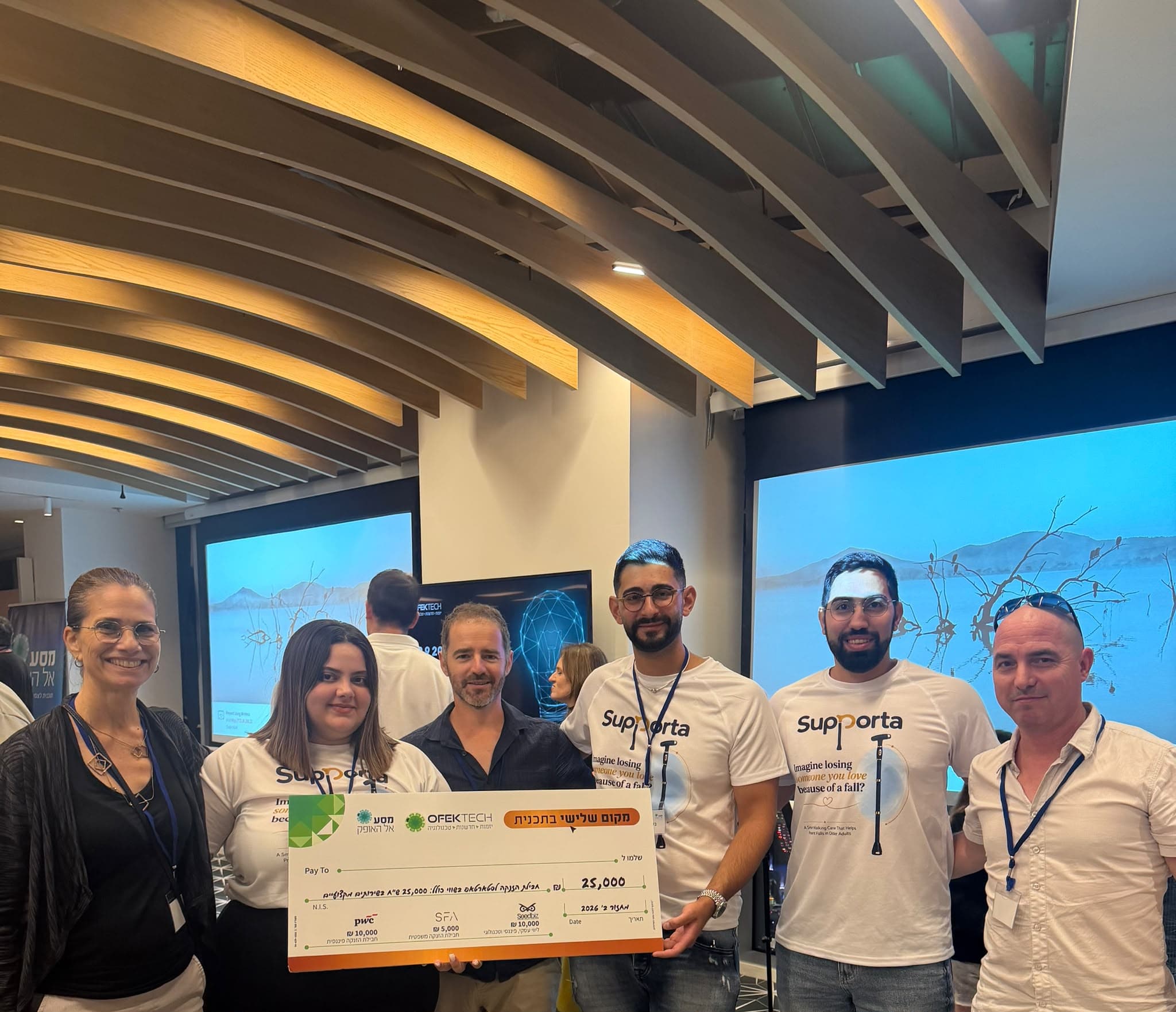
The Supporta team at Ofek Tech Demo Day holding the third-place prize.
Third place Ofek Tech Demo Day 2026

The people behind progress

Built together.
Recognized at Ofek Tech.

Meet the team

The next step, together

The prototype is here.
The next step is a supervised pilot.

Help us refine the AI, complete the pilot product, and evaluate it in everyday use.

Open display preferences with Enter or Space. Drag this button to move it, or use the arrow keys while it is focused. Press Home to reset its position.

Display preferences

Accessibility options

Adjust how this website is displayed on this device. These tools complement the website's built-in semantic and keyboard support.

Text size
Line and paragraph spacing
Visual and motion options
Button position

Drag the button when this panel is closed, or use these controls to move it. You can also focus the button and use your arrow keys. Your position is saved on this device.